December 8th, 2025
v1.19.0 - LobbySense, AutoNudge, and Loss Prevention
New GameSense features allow you to count players in games and monitor wait times in the lobby! Also late game alerts, AutoNudge, and game master annotation.
Pre-Game New Features
LobbySense
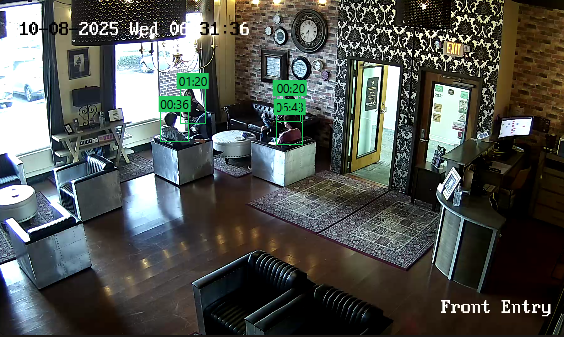
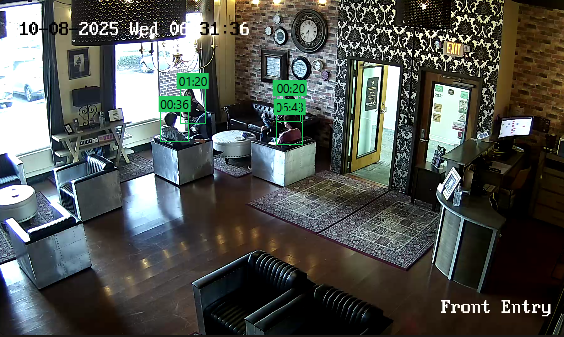
Configure alerts for when customers enter the lobby, track how long customers have been in the lobby, and show live display times on the camera feed.
Lobby Waiting Screen
Upload a video to play in the lobby, a link to waivers, and a logo. These three items will be formatted into a waiting screen that can be launched on a TV in the lobby. The video will play on loop while games in progress are shown on the bottom and upcoming games are shown on the left side. Time of booking is displayed for Upcoming and time remaining is shown for In Progress games.
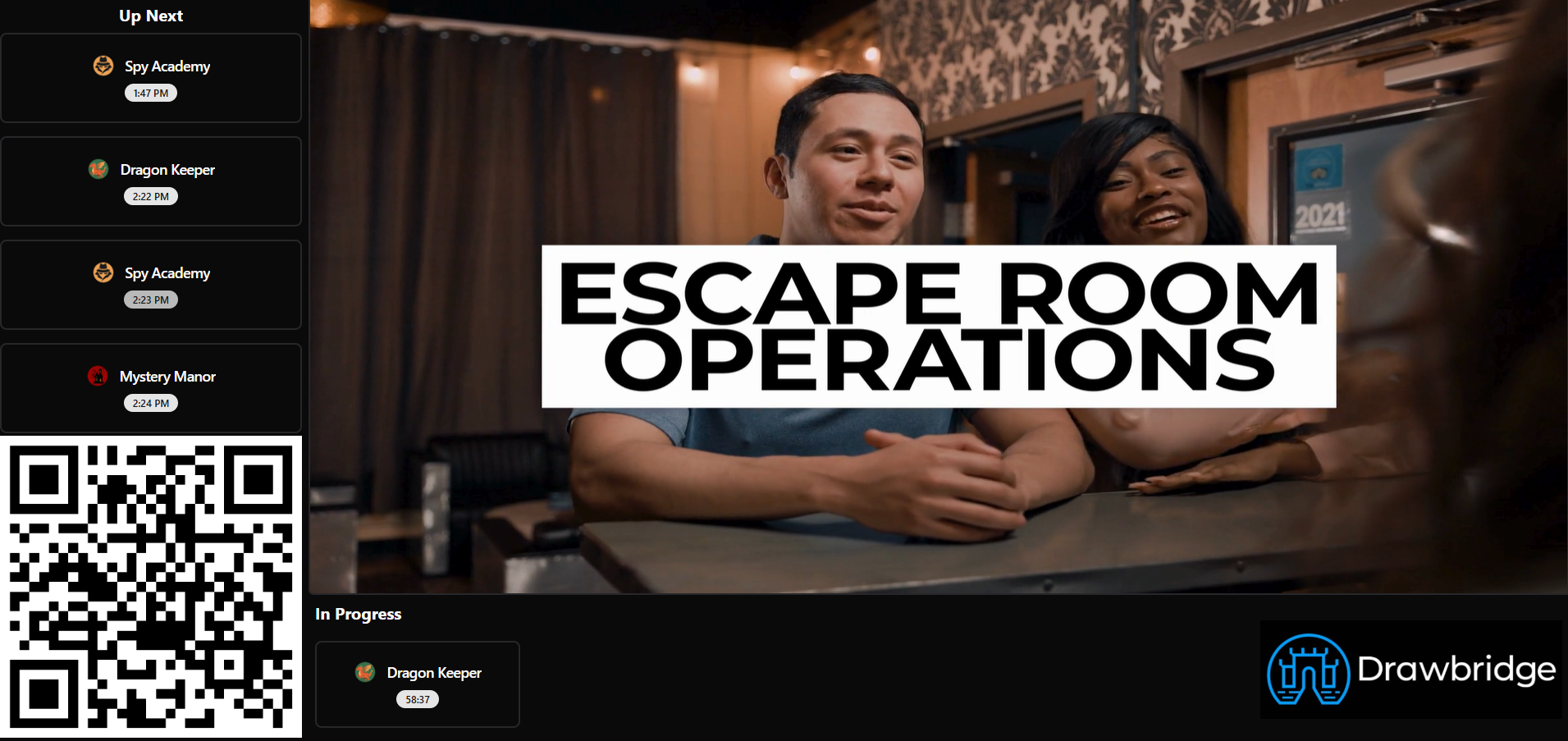
This screen is intended to keep guests updated on the status of their game, especially those waiting for a group to finish. You can opt to have last names on bookings visible or not visible.
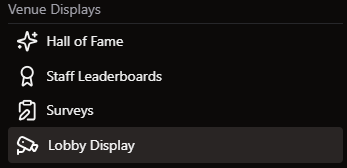
Launches from the 3 bar menu on a TV in the lobby to show guests current game times and upcoming bookings
Setup
Video, logo, and waiver link can be uploaded in Settings → General Settings → Lobby Video.
Start of Game New Features
Late Game Notification
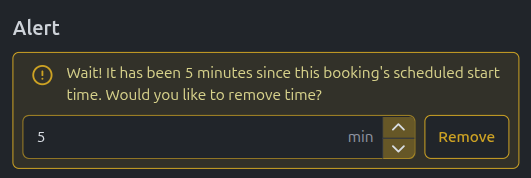
When groups start after their scheduled time, the game start notification on the GM screen will also say how late the group is and ask if they’d like to remove time.
Loss Prevention
Count players in the room during the briefing video compared to the number of players in the booking. Only accessible to games with GameSense enabled.
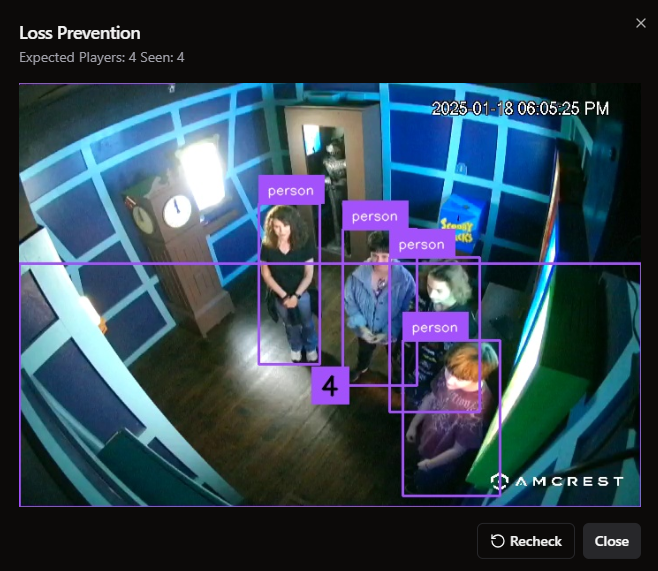
On the Overview screen, there will be a new column for players. This will either be red or green depending on if the number of people in the room matches the number in the booking. Clicking on the colored number will bring up a screenshot of players and draw a box around each person it has identified.
These photos are stored for 7 days in Loss Prevention History under GameSense in story settings. Any mismatches are also pulled in daily reports, so owners can look into them. Photos for this feature are captured during the ‘Prologue’ to a game, when players are watching their intro videos.
Setup Info for Loss Prevention
During Game New Features
AutoNudge
A configurable reminder for Game Masters about sending extra help to a group. This prompt will appear under the ahead/behind timer during a game if a group has spent a while on a puzzle without a hint.
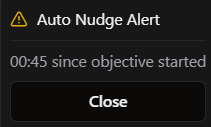
The logic for when a reminder is sent is based on 3 things:
How far into the current puzzle the group is
How long it’s been since a hint was sent
How long it’s been since the GM dismissed a nudge prompt
All 3 sections have default values, but are adjustable if needed.
Game Master Annotation
Game Masters can now provide feedback on how groups are performing in games. This will be sent to the assigned host to help provide context when they retrieve the group. This button appears on the bottom bar on the GM page.

When pressed, GMs will see this menu.
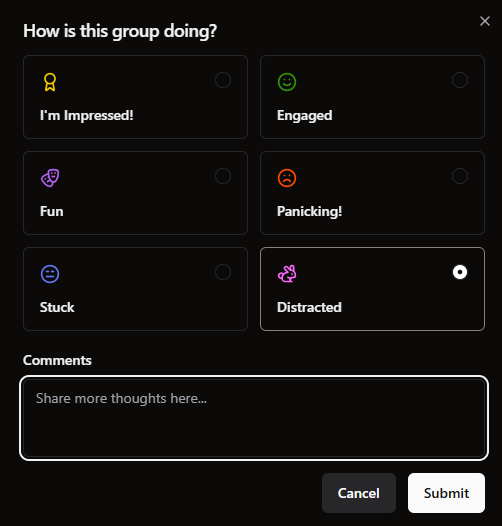
GMs can select any of the options and provide commentary. These comments will appear on the attached booking when it is in the ‘Needs Debrief’ column and in game forensics for that session. This can help give the host a highlight from the game to discuss with the group or give them context around a frustrating moment.
Bug Fixes
Cameras no longer automute when you open a new tab
Hints from Mythric with 0 weight will not be counted as a hint sent
Schedule planner shows all days, even if they have no data
Time removed showing properly on Overview metrics
Deleting pre-game checklist items
Resova completion time autofill will match the time on the Countdown screen in game
Reviews leaderboard will no longer show deleted employees
Include Bookeo promotions as coupon codes to include in rebooking tracking