V1.30.0 - Playbook Enhancements, Gamemastering Improvements, and More
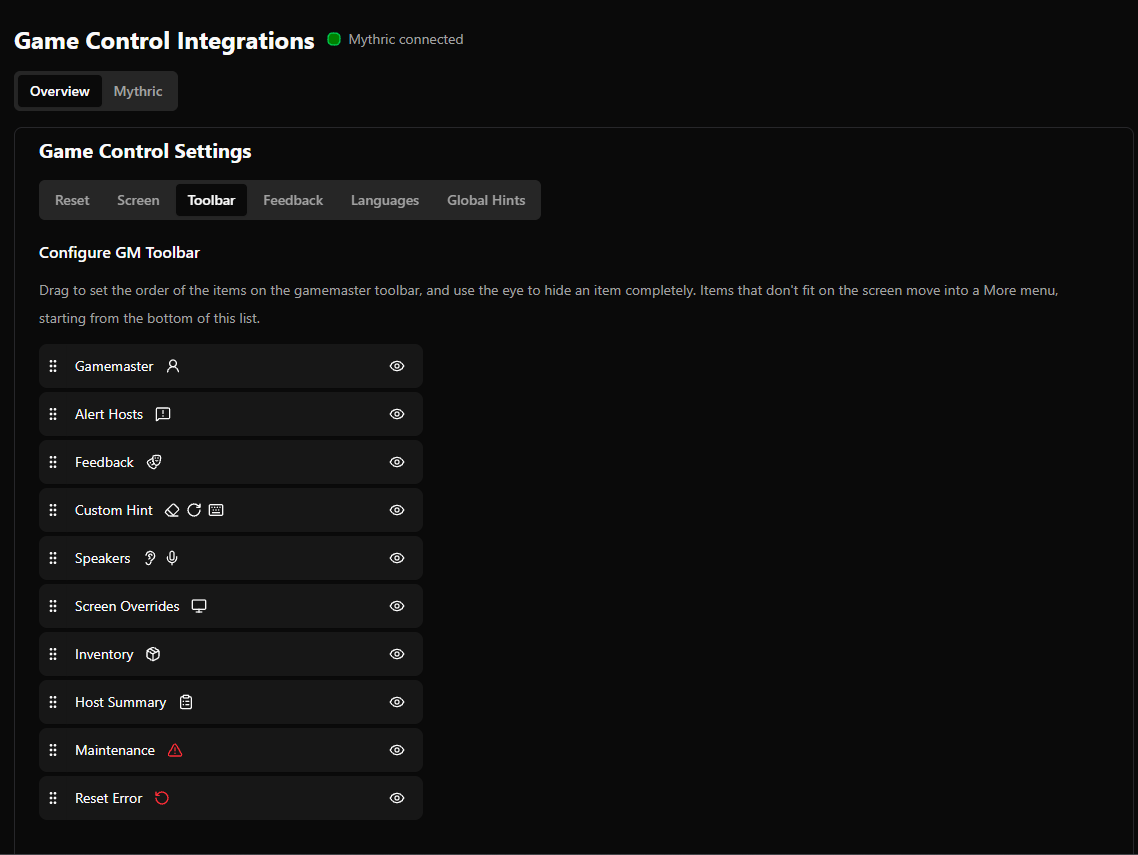
Reorder Gamemaster Toolbar
This is also configurable per employee from the employee preferences
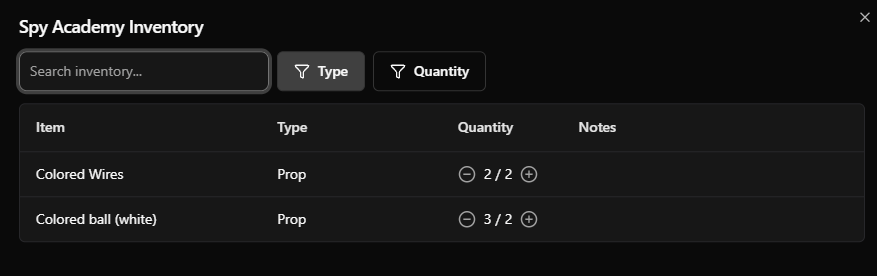
Quick Access Inventory from Gamemaster Toolbar
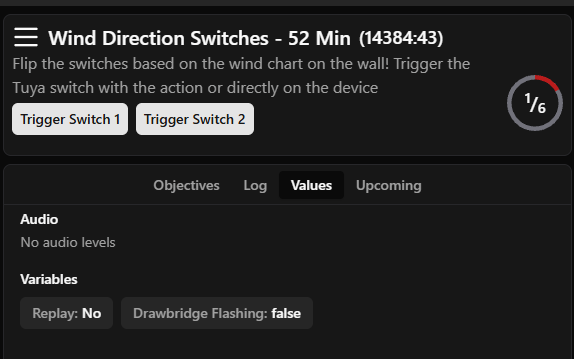
View Variables, Values, and Audio from the Gamemastering Page
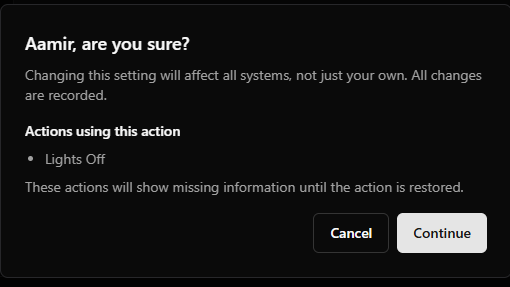
Warn against deleting objectives, hints, screens, audios, nested actions, devices, or variables used in actions
Show which devices, screens, variables, and audios are not used in an action
Show which actions are trying to reference deleted objectives, screens, hints, audios, devices, and variables
Restore deleted objectives, screens, hints, audios, devices, and variables
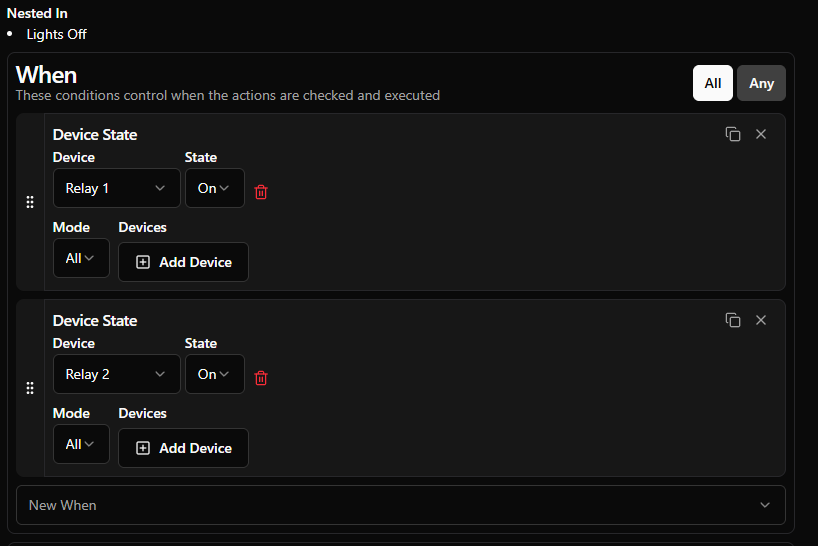
Display any actions that trigger another
Helps diagnose what causes an action to trigger: conditions and any actions that trigger it themselves.
Drawbridge Command Center
Connect your monitor to Drawbridge, then…
Quick restart Drawbridge
Full restart Drawbridge
Install/upgrade NVIDIA drivers
Reboot machine
View network connectivity
View machine IP address and Drawbridge URL
Reload networking
Troubleshoot Networking Issues
Other Features
Option to set inventory quantity from playbook actions
Display booking status on Reclaim Games page
Add Gamemastering Performance to weekly report
Added help doc links to more settings
Option to unmute cameras on the lobby page by default
Add support for Mythric Time Factors
Camera Preview will appear at the Top of the Settings Pages
Fixes
Disabled fullscreen on Lobby Display so that TV browsers don’t automatically go fullscreen on the video
Made the weather pop-up mobile-friendly
Added Help Doc Link to more settings