v1.22.0 - Personalized Hints and Shift Report Improvements
Increased hint personalization options, additional shift report configuration, and inventory categories.
Hint Customization
Personalized Hints
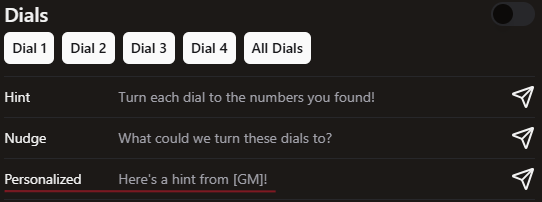
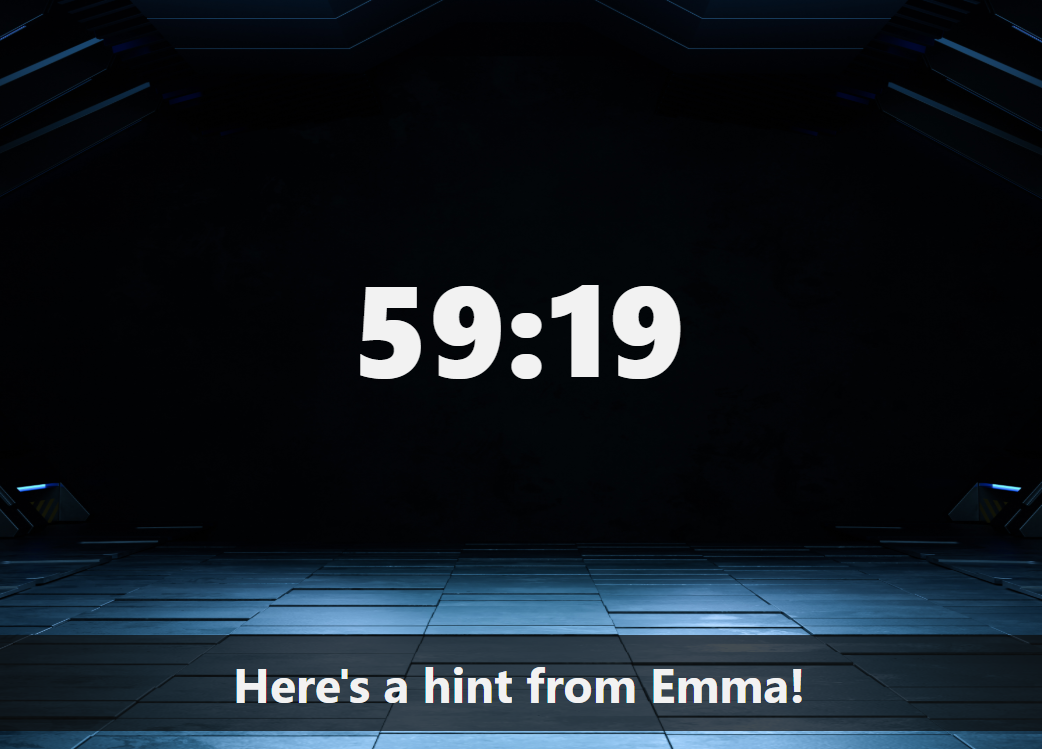
You can now create hints that will insert the name of the assigned Game Master and/or Game Host.
If a hint contains [GM], it will be replaced with the assigned game masters name.
If a hint contains [Host], it will be replaced with the assigned host name.
You can include both in one hint.
This means, the game needs to be claimed by both the GM and host or else it will send with the square brackets still in the hint.
Custom Hint Quick Edit
On hover over a hint name, there is a “Copy Custom Hint” button instead of clicking on the text to edit a hint - less likely to hit the wrong thing.
Will bring up the custom hint box for a quick edit of the hint before it is sent.

Shift Report Updates
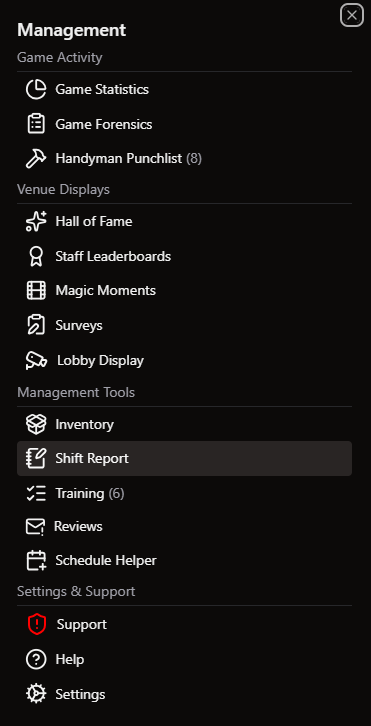
Shift reports now available from the sidebar menu. Still accessible from Operations Page.
Will list what training items were completed during the shift instead of just how many items were completed
Can add uncompleted daily tasks to the shift report
Shift reports will autosave when changed
Game Progress on Hosting Screen
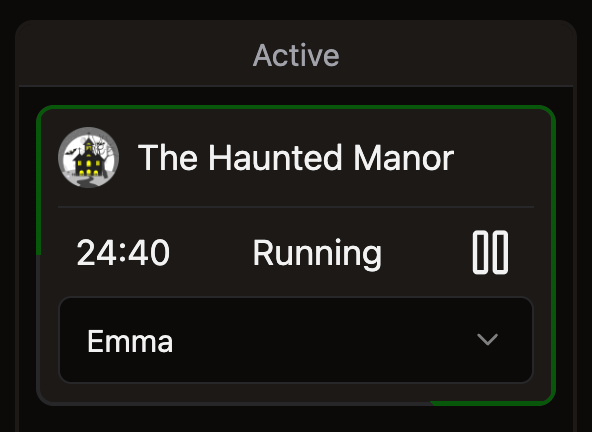
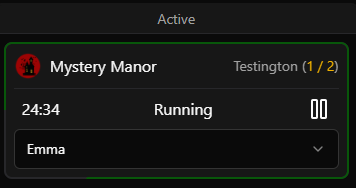
As games progress, a green bar will fill around the games card on the hosting page. It fills in based on the durations assigned to each objective as an easy way to tell how far along groups are at a glance.
Inventory Updates
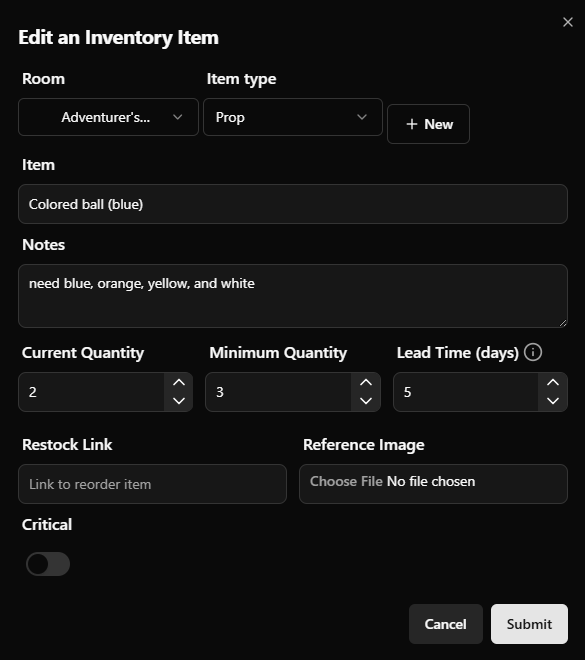
Add ‘Types’ of inventory items
Allows you to filter by type of item (Cleaning products, Merch, etc)
Create your own category of items for custom grouping
Mark items as critical to operation
Search includes notes on items
Hours clocked in appears with other staff metrics
Allows you to compare what an employee has done during this shift with how long they’re been working.

Staffing Targets
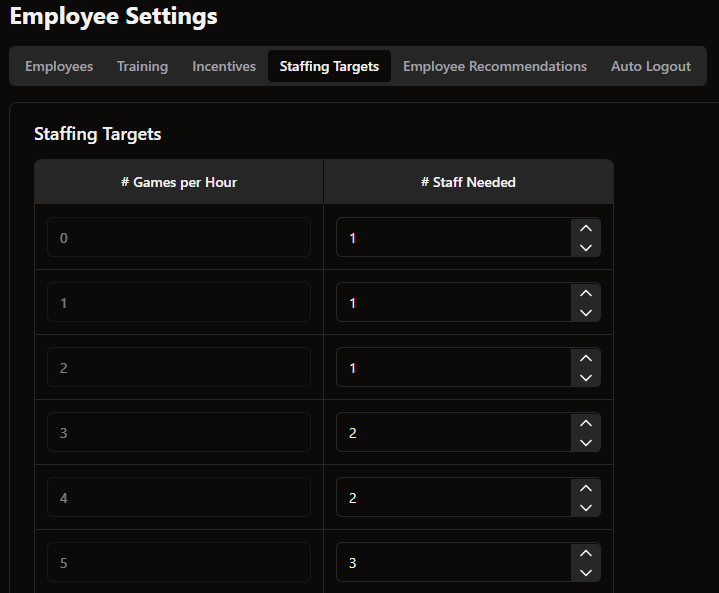
Set staffing targets for more accurate calculations on how many staff are needed per hour of the day depending on how many games are booked.
Navigate to Settings → Employee Settings → Staffing Targets and input how many staff should be needed per number of games.
Small Changes/Fixes
Game Statistics allows you to select a date range to pull data for custom dates.
This allows you to look at specific weekends, limited time games, historical dates, etc.
Game Forensics includes who reset the room before the group played
Page had included if there were reset errors, now it will show who they were made by.
Automatically import M3 objective descriptions
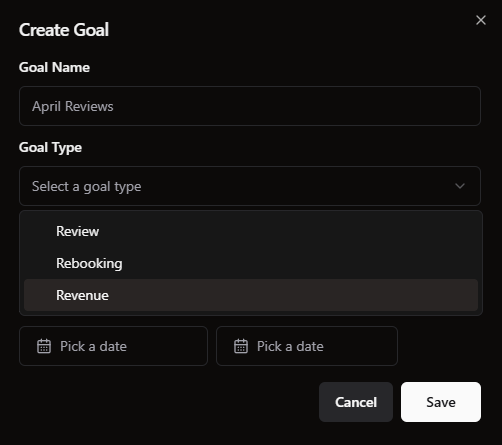
Ability to set a revenue goal in addition to rebookings and reviews.
Setup is the same as previous goals, create a Revenue goal, set a number and a time range and it will pull Revenue information from your Point of Sale.
Allowing M3 colors on events mapped to an objective.
Show file upload progress for any video uploads (lobby screen, playbook videos, etc)
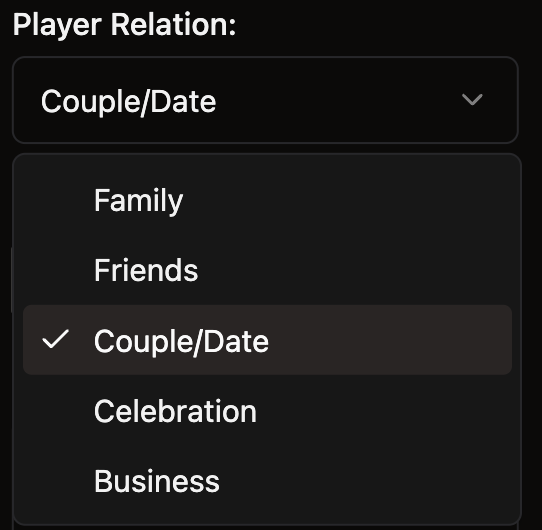
Allow selection of “Couple/Date” on hosting survey
Improve Buzzshot integration
Add mapping from Buzzshot game name to Drawbridge game name to more accurately display waiver completion.
Playbooks: Refresh Countdown Screen from GM Page