Changelog

Follow new updates and improvements to Drawbridge.

V1.29.0 - Custom Snooze Alerts, Win/Loss Display, and More

Custom Snooze Alerts
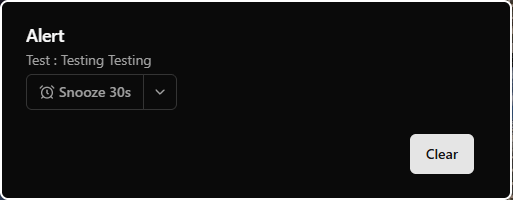
  • Set a default snooze time (in seconds) when creating and editing custom alerts

  • Settings > Game Settings > Objectives > Click on an objective > Add/Edit Alert (this only works for GM alerts, not host alerts)

  • Use that default time or a different time when an alert pops up on the GM screen

Configurable User Profiles
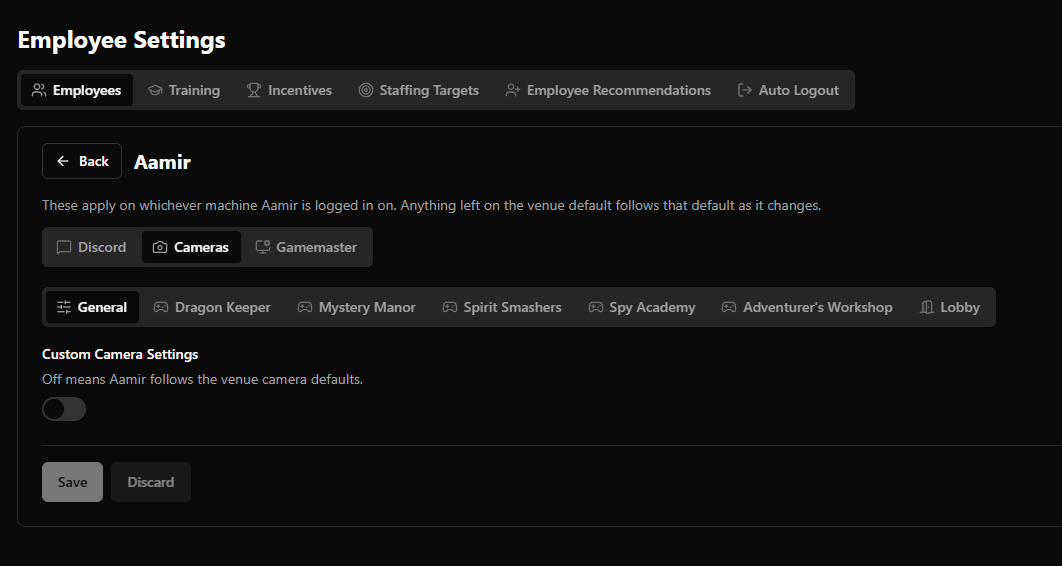
  • Each employee can edit their preferences for default camera volumes, general camera settings, input their Discord user ID, and gamemaster multitasking

Hint Button Functionality
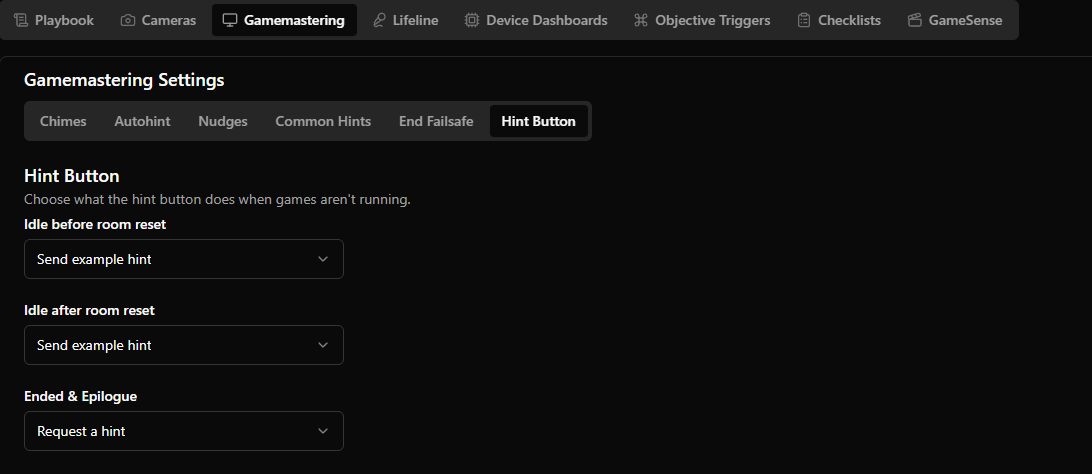
  • Configure hint buttons to toggle the reset timer, send an example hint, or request a hint when the game is in ended/epilogue, idle

Discord Notifications
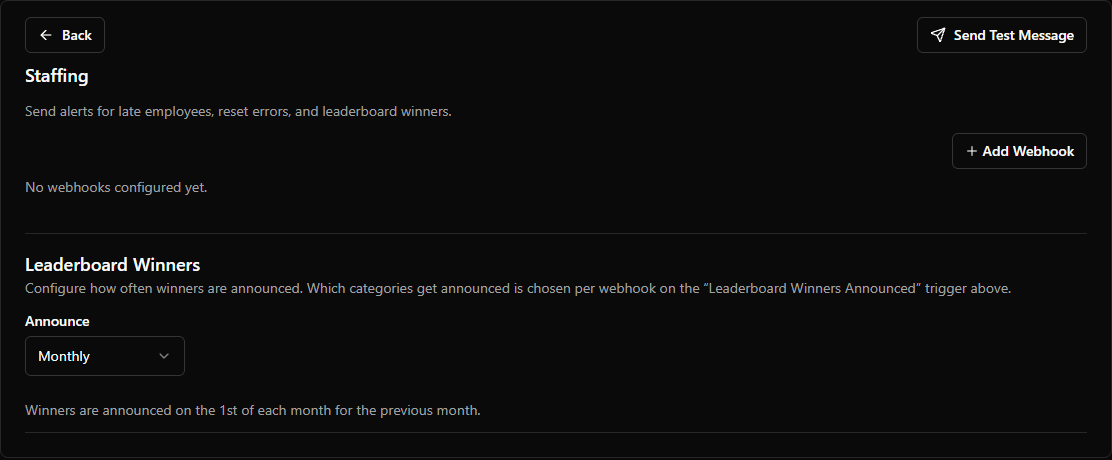
  • Staff being x minutes late

  • Reset error logged

  • A new booking came in that starts within the next x minutes

  • Staff leaderboard winners – ability to configure when leaderboard announcements are sent (weekly, monthly, daily)

  • Event bookings

Display Date of Reviews

  • New feature to be able to view the date the review was sent in

Hide Auto-Hint Slider
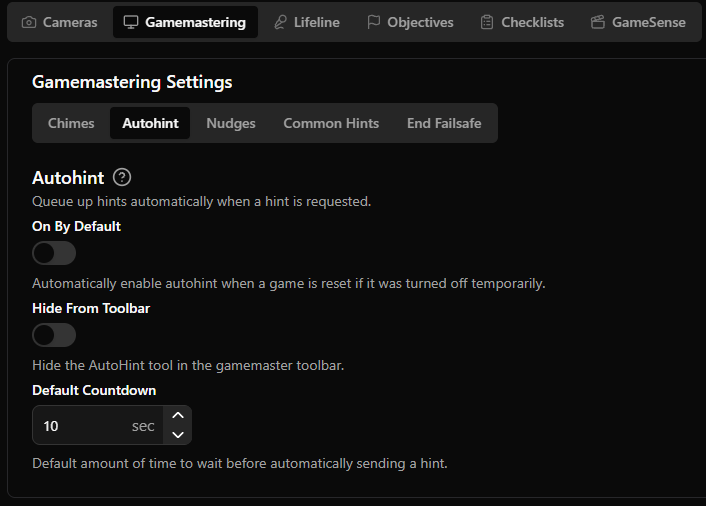
  • Setting to hide AutoHint slider from Gamemaster screen

  • Note that if it is enabled, it will be hidden and enabled by default, so the gamemaster won’t be able to change the time countdown

Display Game Name / Date on Game Forensics Page

  • In the game forensics page, you can now see the individual game and date for each game

GameMaster Feedback more Customizable
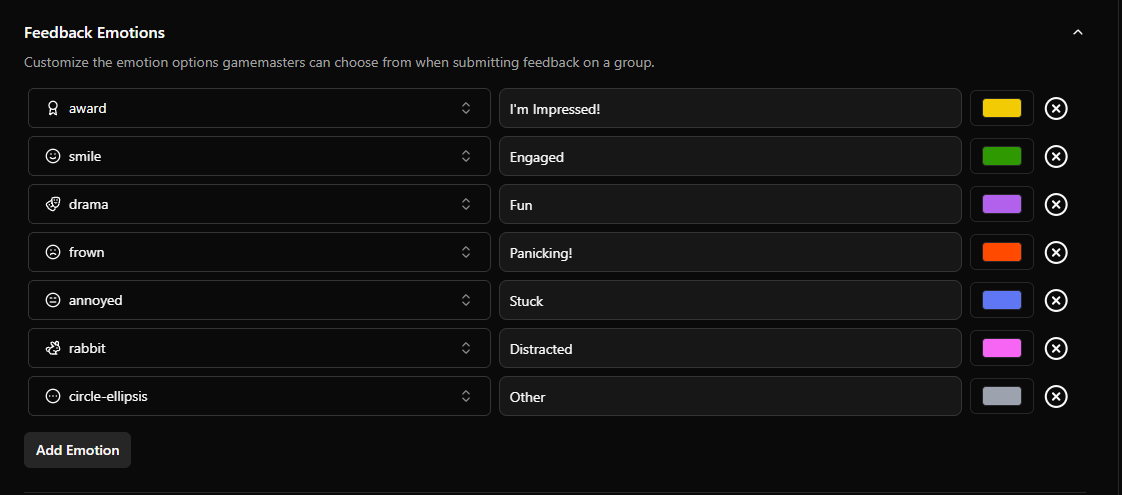
  • Add your own emotion options and give them icons

  • Add final feedback when submitting a game’s end summary

  • Add, edit, and delete feedback from the game forensics page

Send Daily Ops log and Daily Morning Briefing to Discord
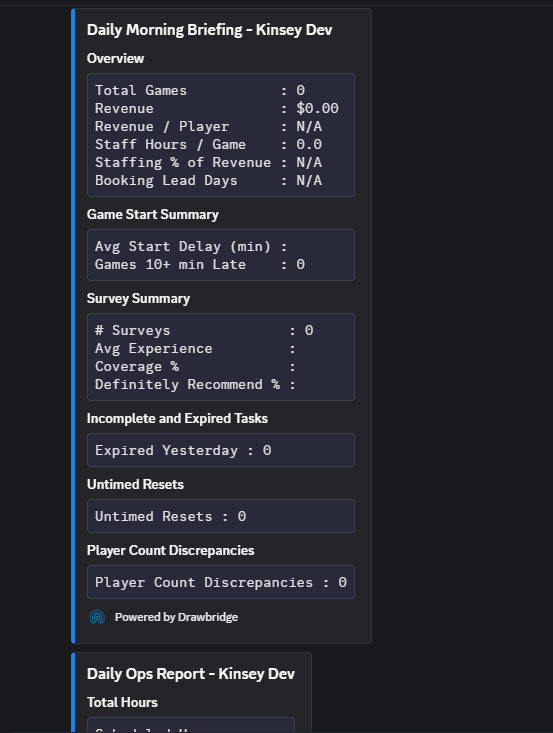
  • Option to send Daily Ops Log and Daily Morning Briefing to Discord

Maintenance Tickets Warning
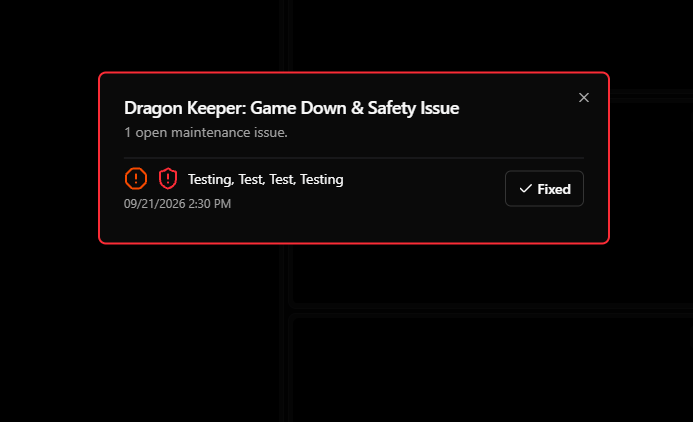
  • When game down or safety issue maintenance tickets exist, warn on gamemaster page load

Other Features

  • Shift reports now include bookings booked, players, and staffing hours

  • Magic moments can create montages

  • Upload a video or image to play before every magic moment clip

  • Warning against leaving settings pages when changes are not saved

Fixes

  • In Game Forensics, gamemaster feedback gets assigned to the person who created the feedback, not the gamemaster logged for the end summary

  • Paginate goals page for faster loading

  • Show exact amount of time added in Game Forensics

  • Explicitly display win/loss on hosting cards

    • Win: Escaped in 59:25

    • Loss: Did not escape (60:00)

  • Calculate goal revenue in the same way as the monthly report

  • Cameras unmute at their default volume instead of requiring a swap

  • Resync DigiTickets bookings automatically on order line updates

  • Improve camera settings layout
v1.28.0 - Magic Moments, Discord Messages, Voice Memos, and More

Magic Moments

  • Magic Moments are now available for all venues! Learn more here.

Playbook Updates

  • Use ‘Ahead/Behind’ conditions in the Actions menu to react to player performance

  • Send live recorded, transcribed voice memos to the Countdown screen

New Gamemaster Features

  • The default camera per objective now persists through refreshes

  • Named camera watermarks can optionally appear in the top right of the camera feed

  • Pin hints on iPads by swiping to the right

  • Skip hints on iPads by swiping to the left

  • Add GM/Host messages send during a game session to the Log and Game Forensics

  • Custom Gamemaster alerts are tracked in the Log

New Settings

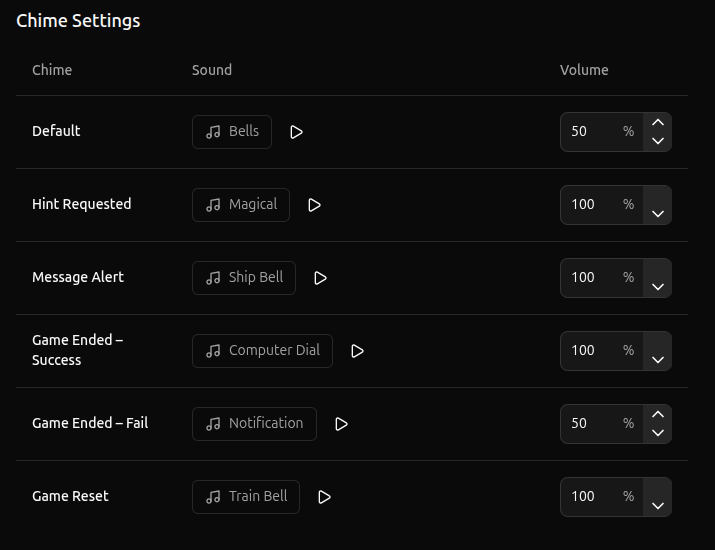
  • Configure alert chime sounds by type

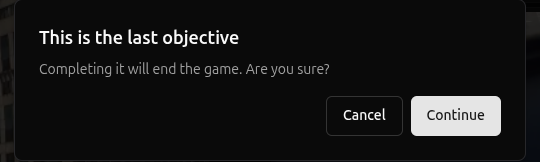
  • Option to confirm game end when manually completing the final objective

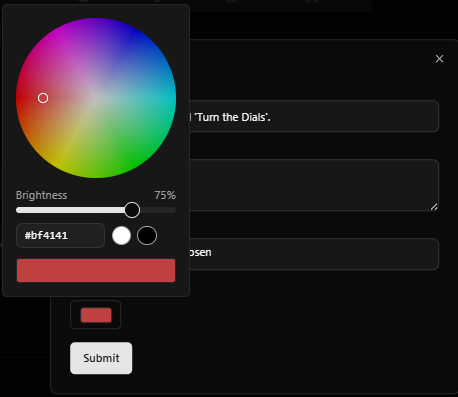
  • Pick the color for Host/GM alerts, Lobby Zones, and Icon Library with a color wheel instead of a pre-defined selection of colors

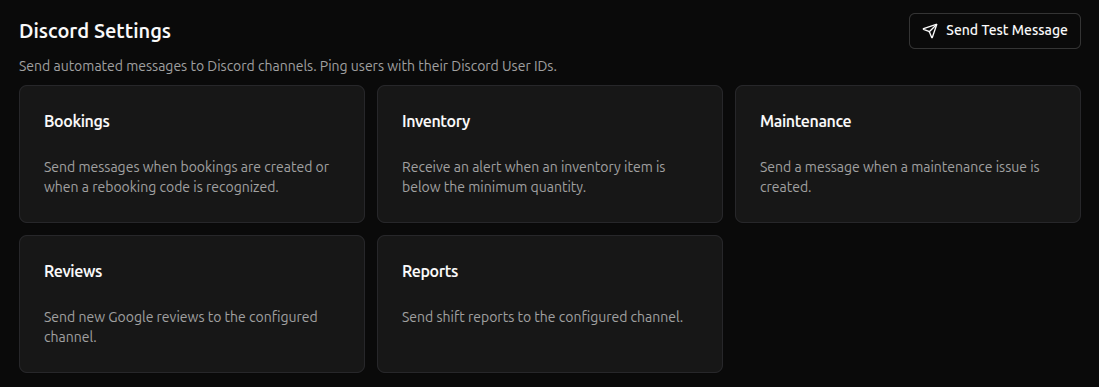
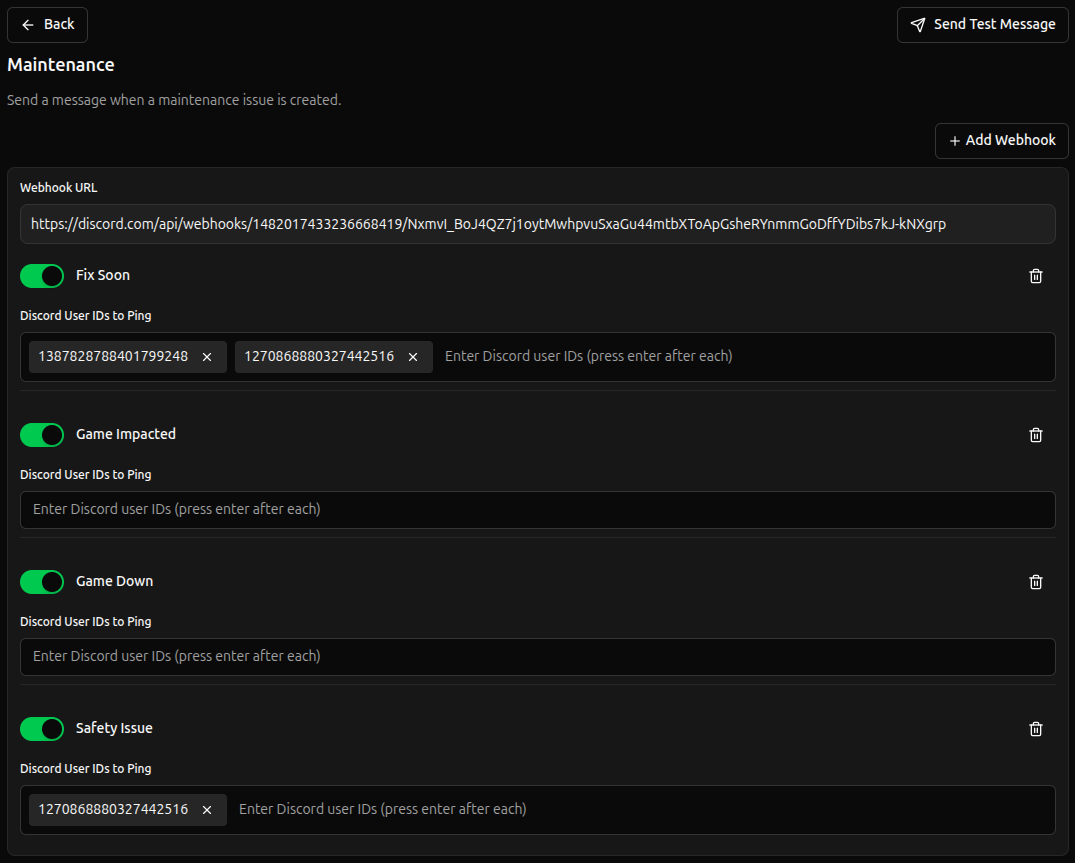
  • Configure what types of Discord messages get sent for each category and optionally ping users for specific message types

  • Maintenance Discord messages get marked as fixed when the issue is fixed in Drawbridge

  • Add ability to create multiple Discord webhooks so that messages can go to several channels

  • Option to disable cameras stretching to fill available space, preserving original aspect ratio

  • Set a default volume per camera

  • Set Venue Email for Magic Moment customer replies

Fixes

  • Add support for M3 version 61.4

  • Issue where Humanity erroring wouldn’t continually display as red in status center

  • Issue where non-text hints could not be previewed when selecting a hint using the Send Hint action

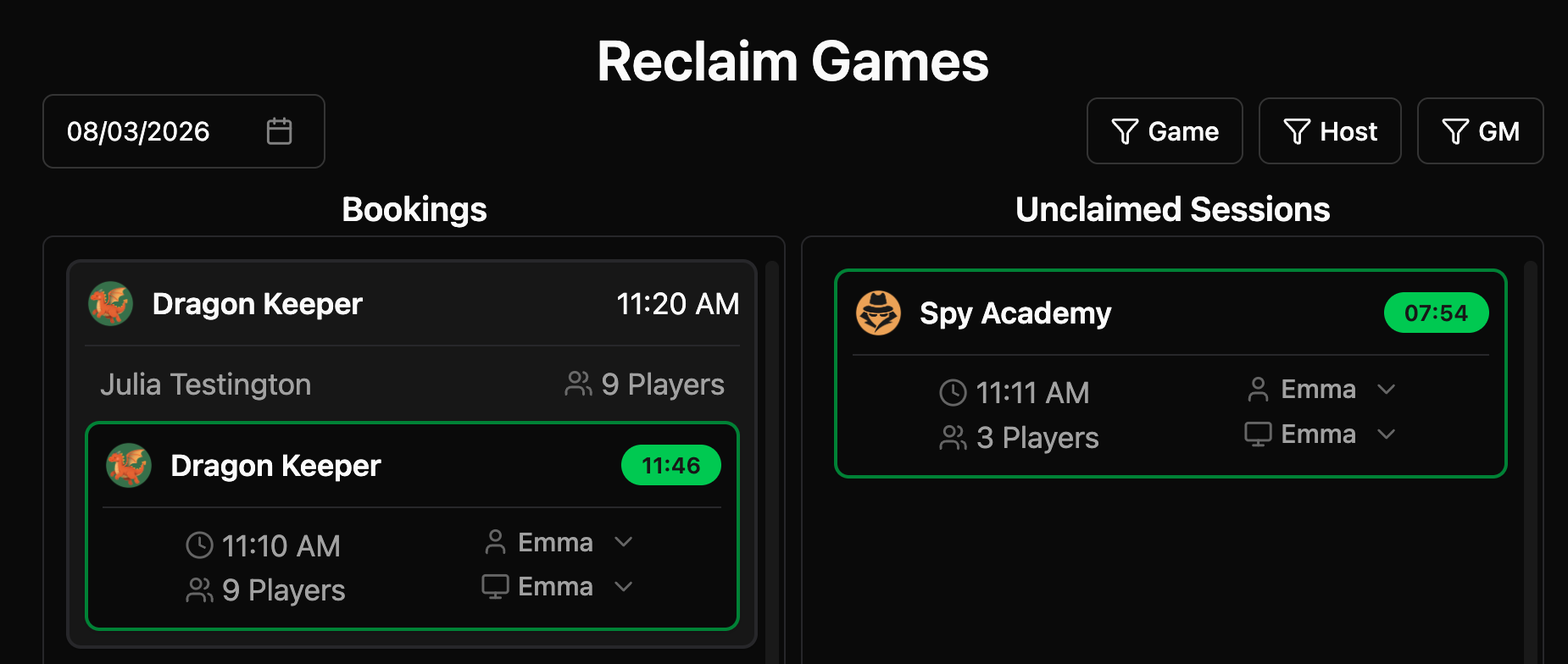
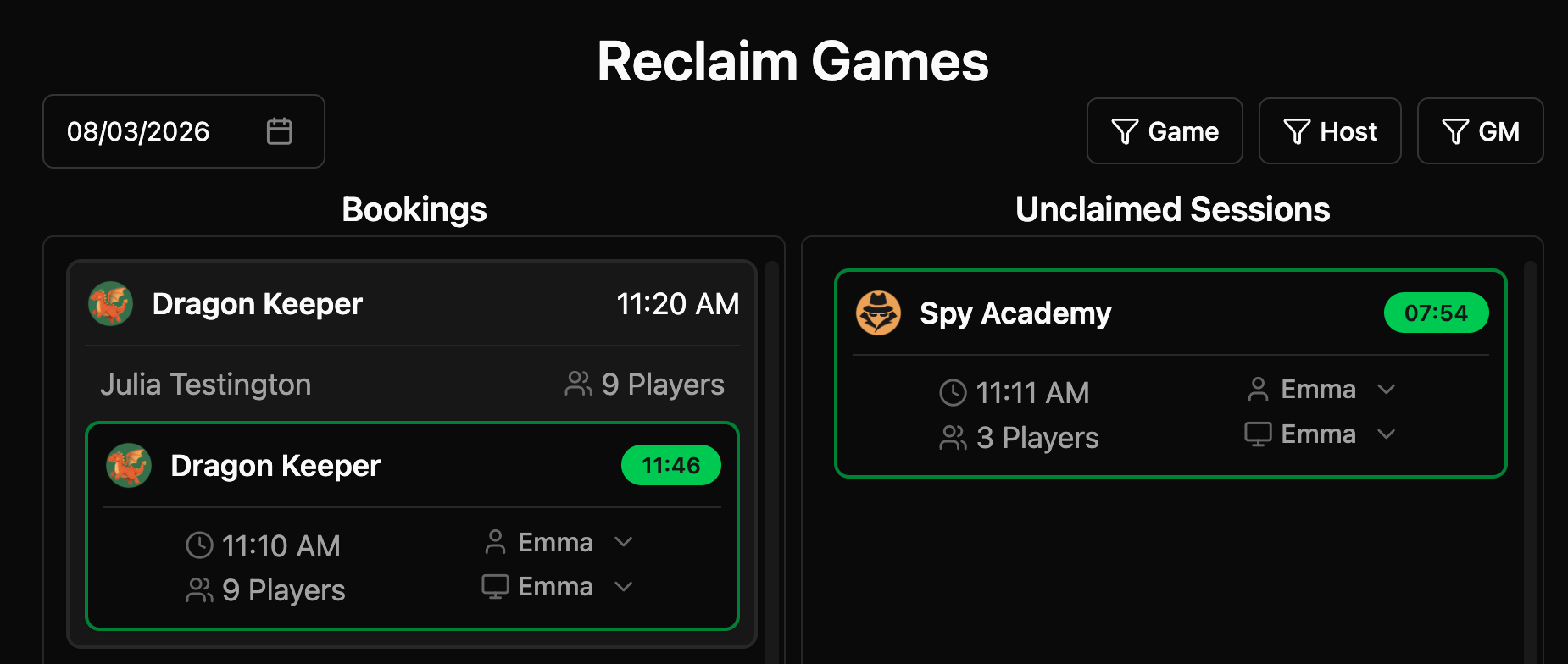
  • Sessions cannot be shared across bookings from reclaim games

  • Allow small window sizes to hover and change camera volumes

  • Fix muted primary camera becoming unmuted at full volume when preserve camera volume is on and primary camera auto-switches

  • Fix gamemaster cycle game dialog disappearing every second while the game is running

  • Remove deleted actions and events with objective triggers that result in empty white squares on the gamemaster page

  • Sync story name changes from M3 without needing a server reboot

  • Allow duplicate training quiz questions

  • More settings pages are responsive for mobile screens

  • Include last day of goal period in progress calculation for revenue goals

  • Morning briefing hint response times sometimes inflated by proactive hint sending

  • Refine Google review name matching

  • Custom Hint text is shown in Game Forensics

v1.27.0 - Drag and Drop Cameras, Reporting Updates, and Playbook Customization

Playbook Updates

  • Ability to import/export playbooks and Mythric games

  • Countdown custom fonts, text color, highlight color, highlight opacity for timer and hint text

  • Countdown font size and position support for timer text

  • Ability to fade countdown backgrounds into next

  • Ability to mute a “send hint” action

  • Action execution that toggles the emergency state on/off

Miscellaneous Updates

  • Reclaim Games will let you change GM/Host after game has ended

Overview Page:

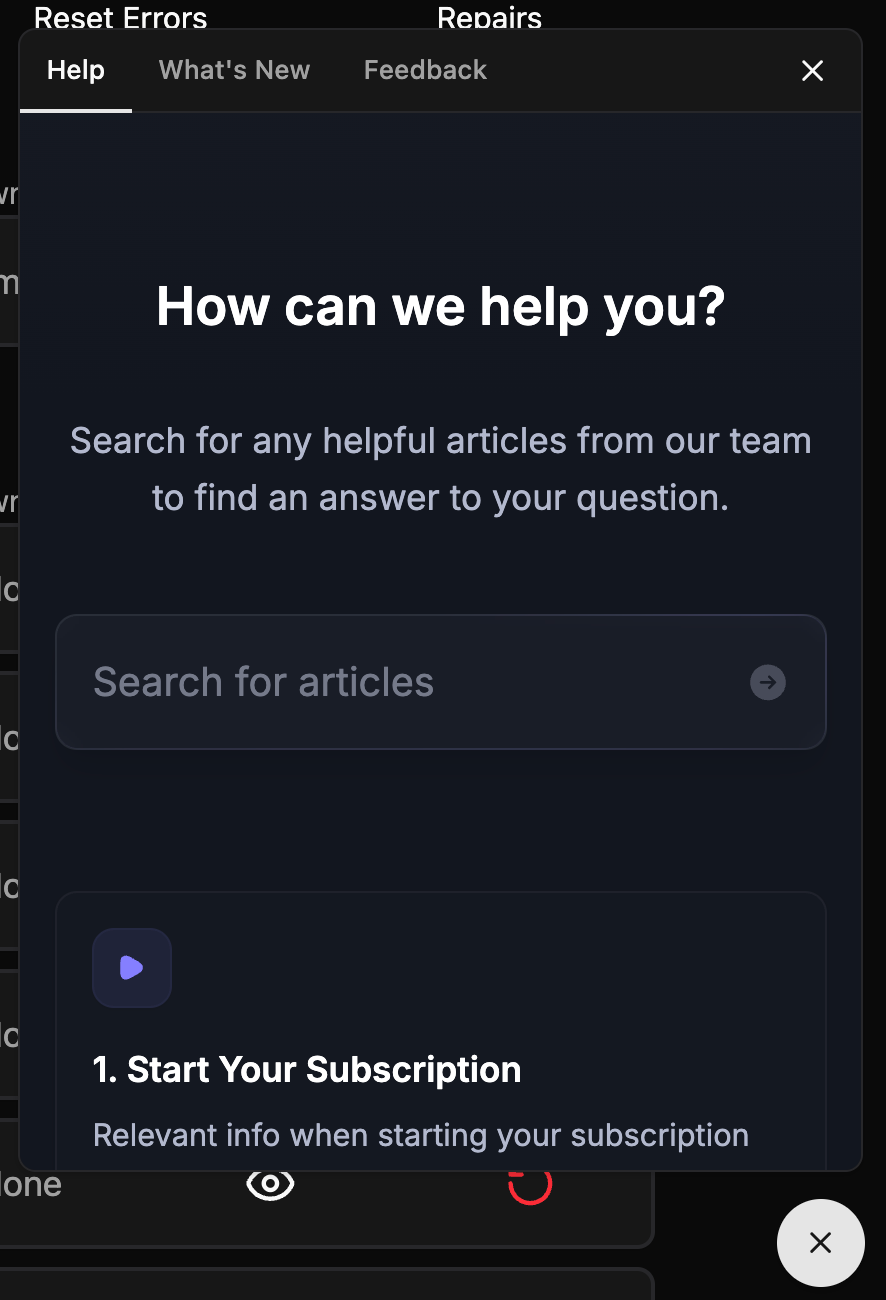
  • Added a Featurebase widget that allows quick access to help docs, changelog, and feedback requests

Hosting Page:

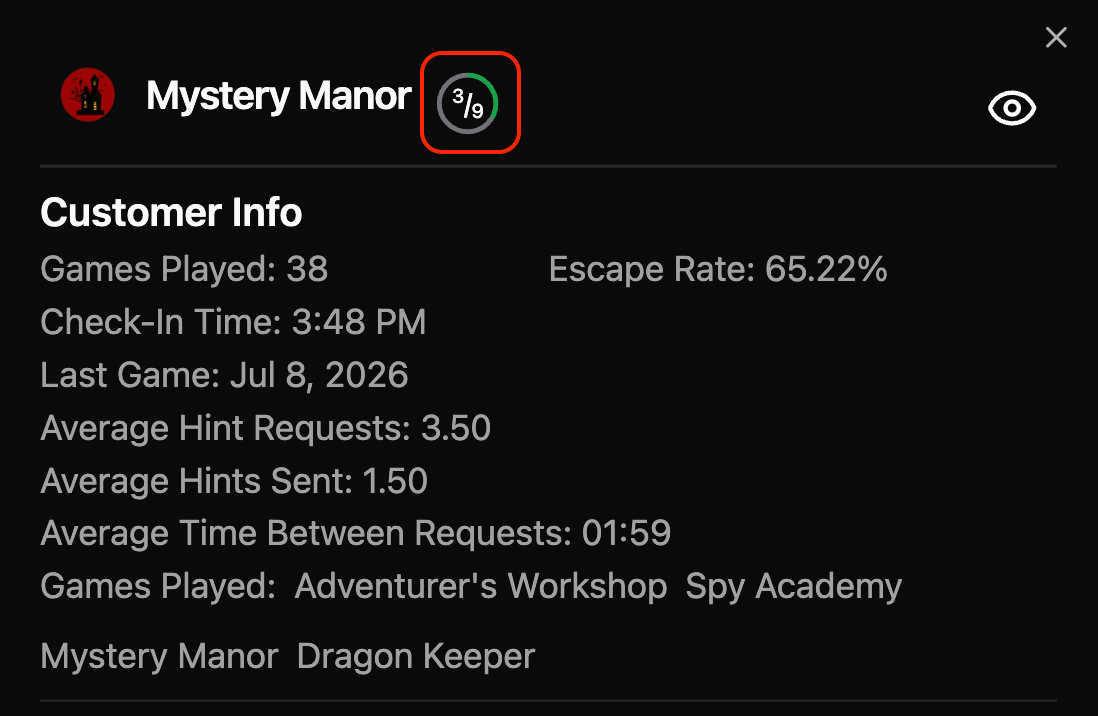
  • The circular progress bar to popup that appears when you click on a running game.

GM page:

  • Drag and drop camera feeds to rearrange

Report Improvements

Monthly Report:

  • New Features

    • Added Maintenance Lifecycle, Rebooking Detail, and Survey Summary reports.

    • Added Rebooking percentage metrics to the Financial Summary.

    • Added Revenue Per Player to Summary by Game.

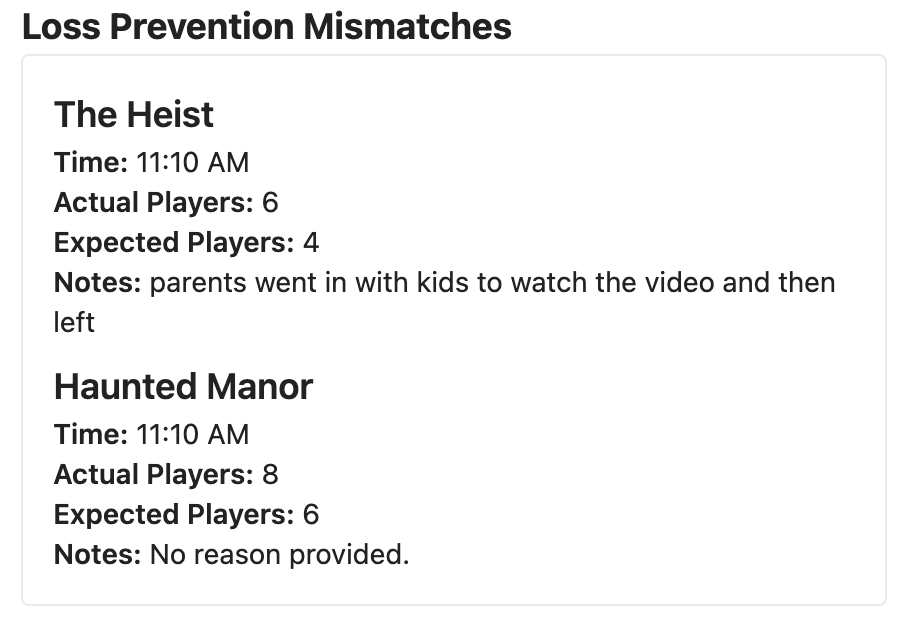
    • Added Loss Prevention table

  • Updates

    • Simplified report names and streamlined Google Reviews metrics.

    • Removed rebooking metrics from Employee Performance and Staffing Summary.

    • Improved formatting for currency, percentages, times, and missing values.

    • Revenue percentages now display with one decimal place.

  • Bug Fixes

    • Invalid or formatted numeric values now display as em dashes instead of errors.

Shift Report:

  • New Feature

    • New optional prompt for Loss Prevention mismatches to explain why they happened.

Fixes

  • Editing two inventory items at once causes one to close when the other is saved

  • Add support for M3 v61.2

  • Renamed Staffing Summary table to Game Start Summary in morning briefing

  • Saving changes sometimes failing when not logged in

  • Maintenance dialog cycle game button on GameMaster screen less invasive on mobile

  • Fix hint send button getting cut off on medium screens/resized windows

  • Fix DMX fixture list in actions overflowing screen when too long

  • DMX channels scrollable when adding a template to a fixture with many channels

  • Maintenance dialog on GM page confirmation dialog gets stuck behind when multitasking is on

Earlier updates